

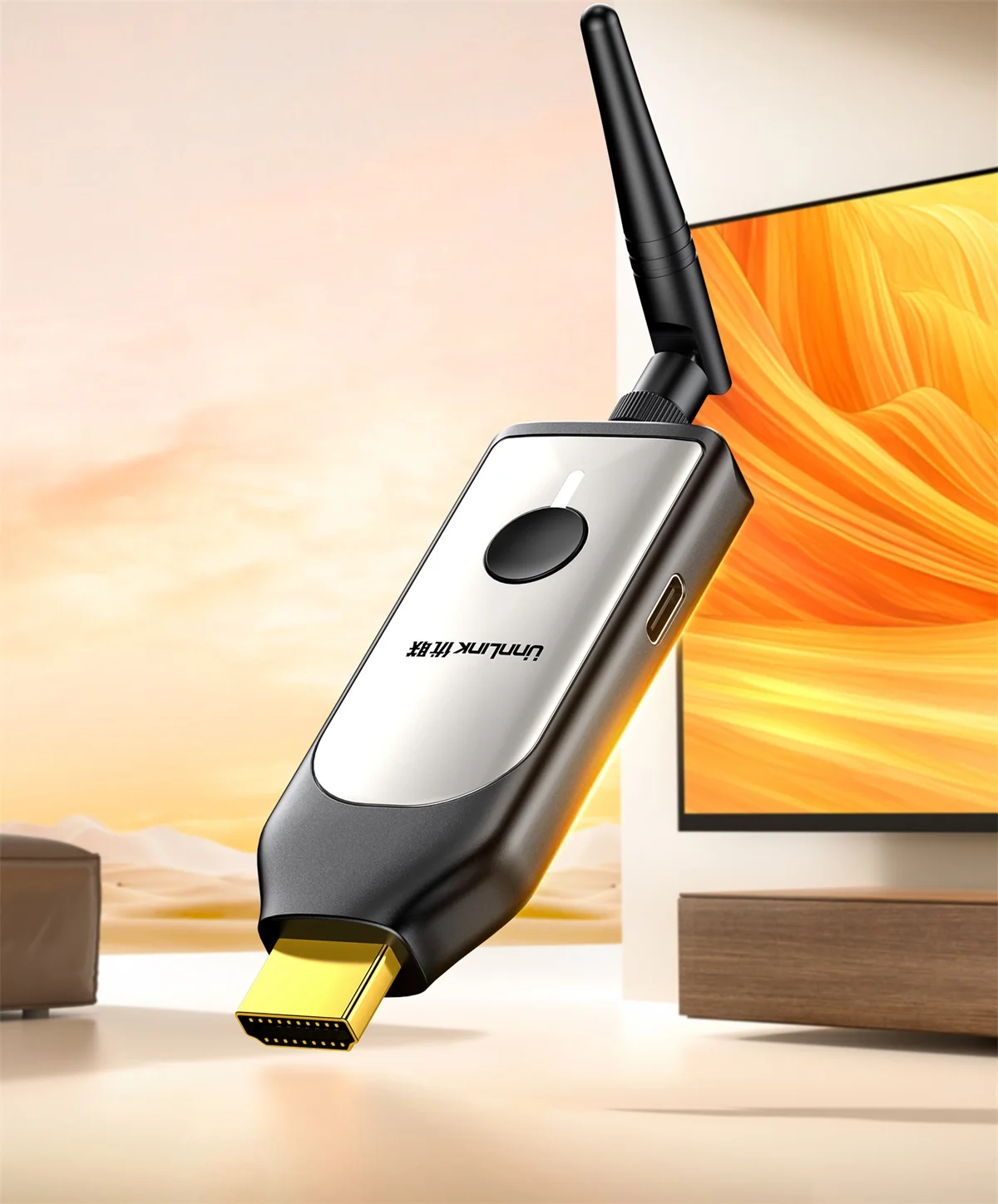
Unnlink 4K Wireless HDMI Display Dongle
Unnlink 4K Wireless HDMI Display Dongle
Couldn't load pickup availability
✔ Free Worldwide Shipping ✔ 30-Day Money-Back Guarantee ✔ PayPal & Secure Payments
Phone Screen Projection TV
Suitable for family members to sit around and watch dramas and movies

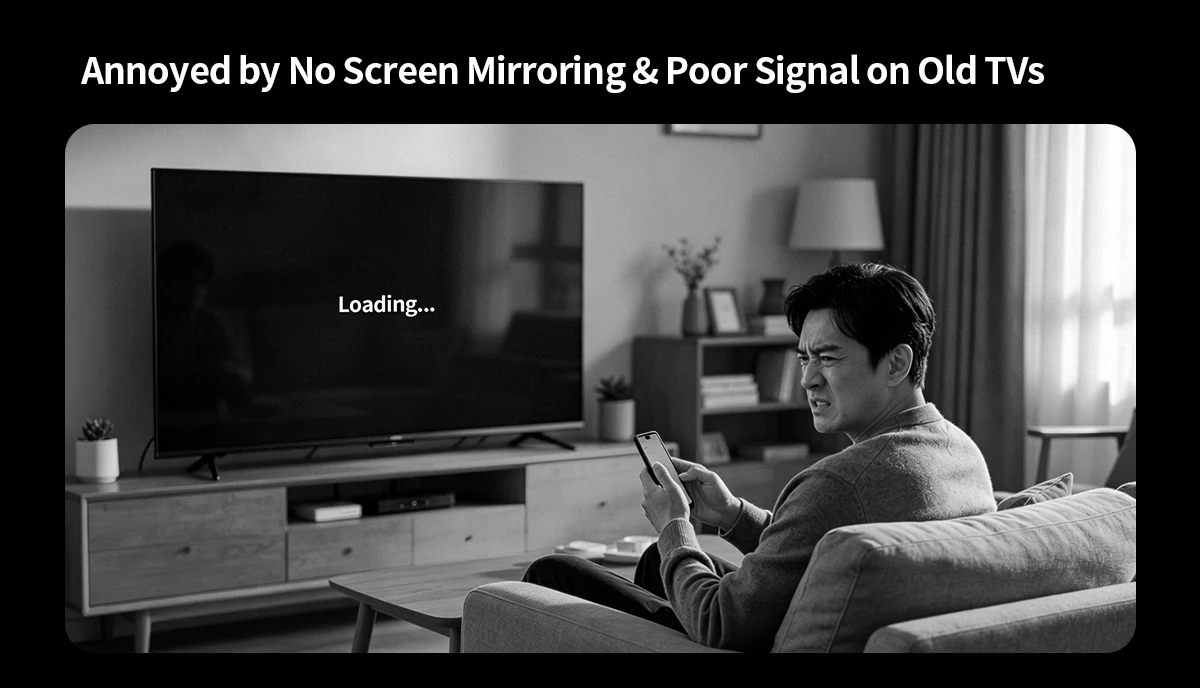
Suitable for Old TV with HDMI
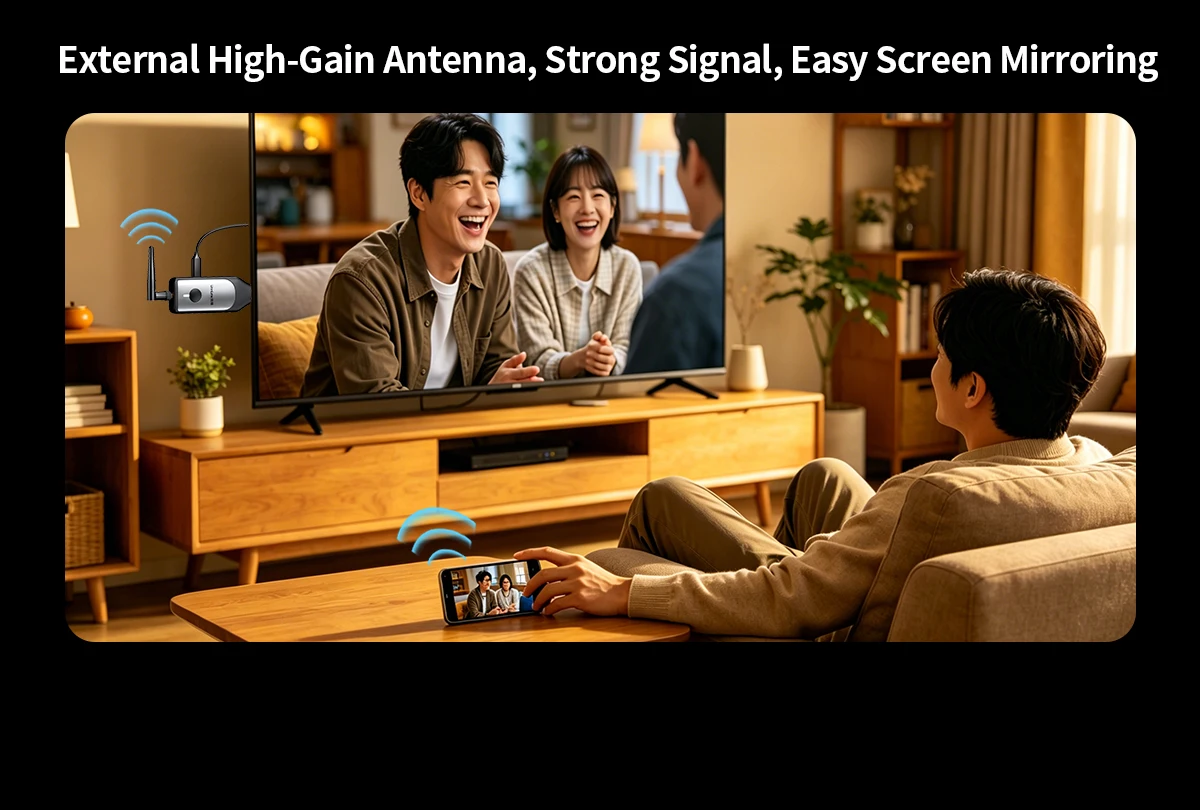
4K HD Cast
Crystal Clear on Big Screens
4K 30Hz supported, 1080P backward compatible. Works with TVs & projectors



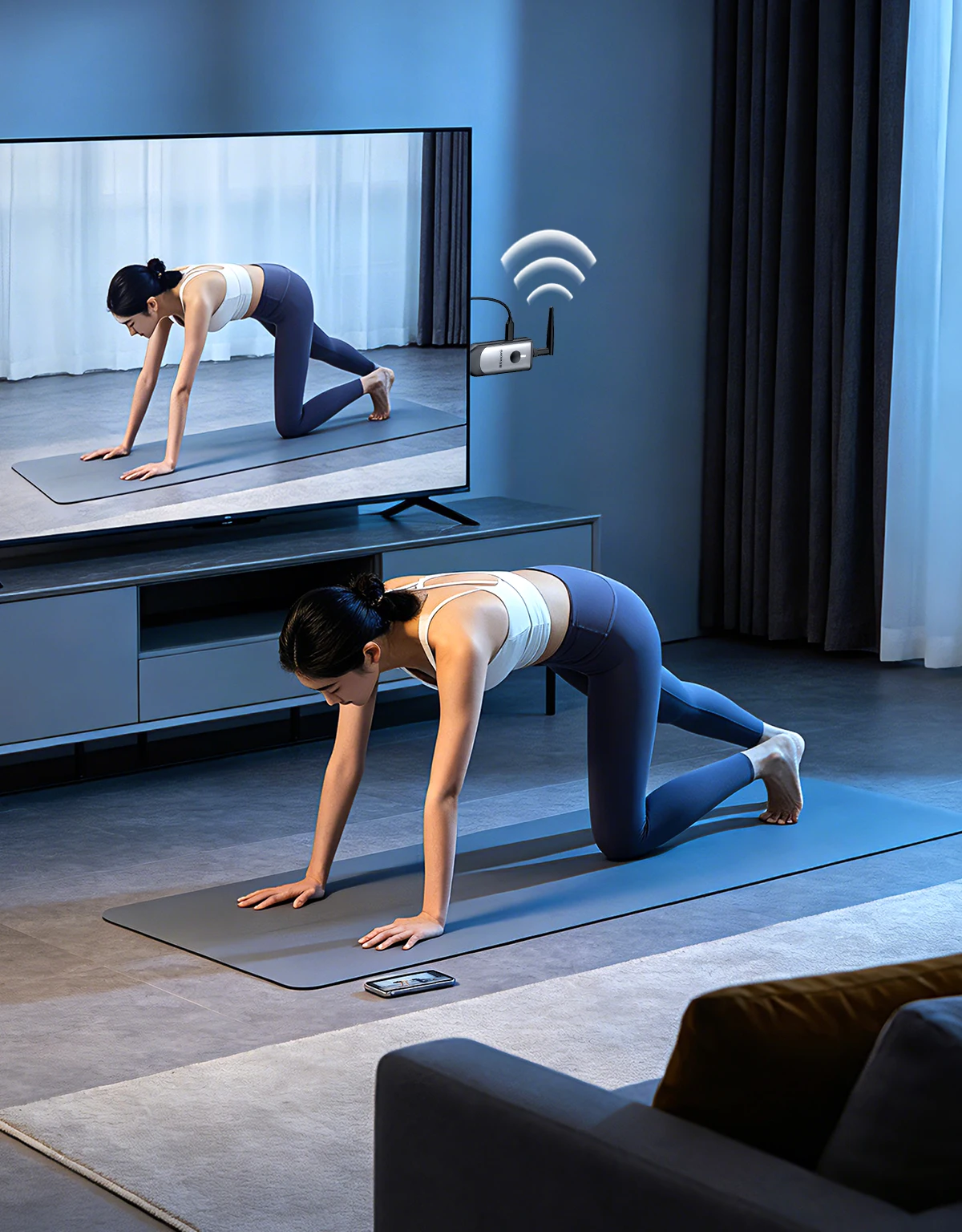
Fitness on Big Screen, Follow Workout Videos Easily
Tired of tiny phone screens when doing yoga at home? Use your spare TV!
Cast your phone wirelessly to master workout moves clearly on a large display
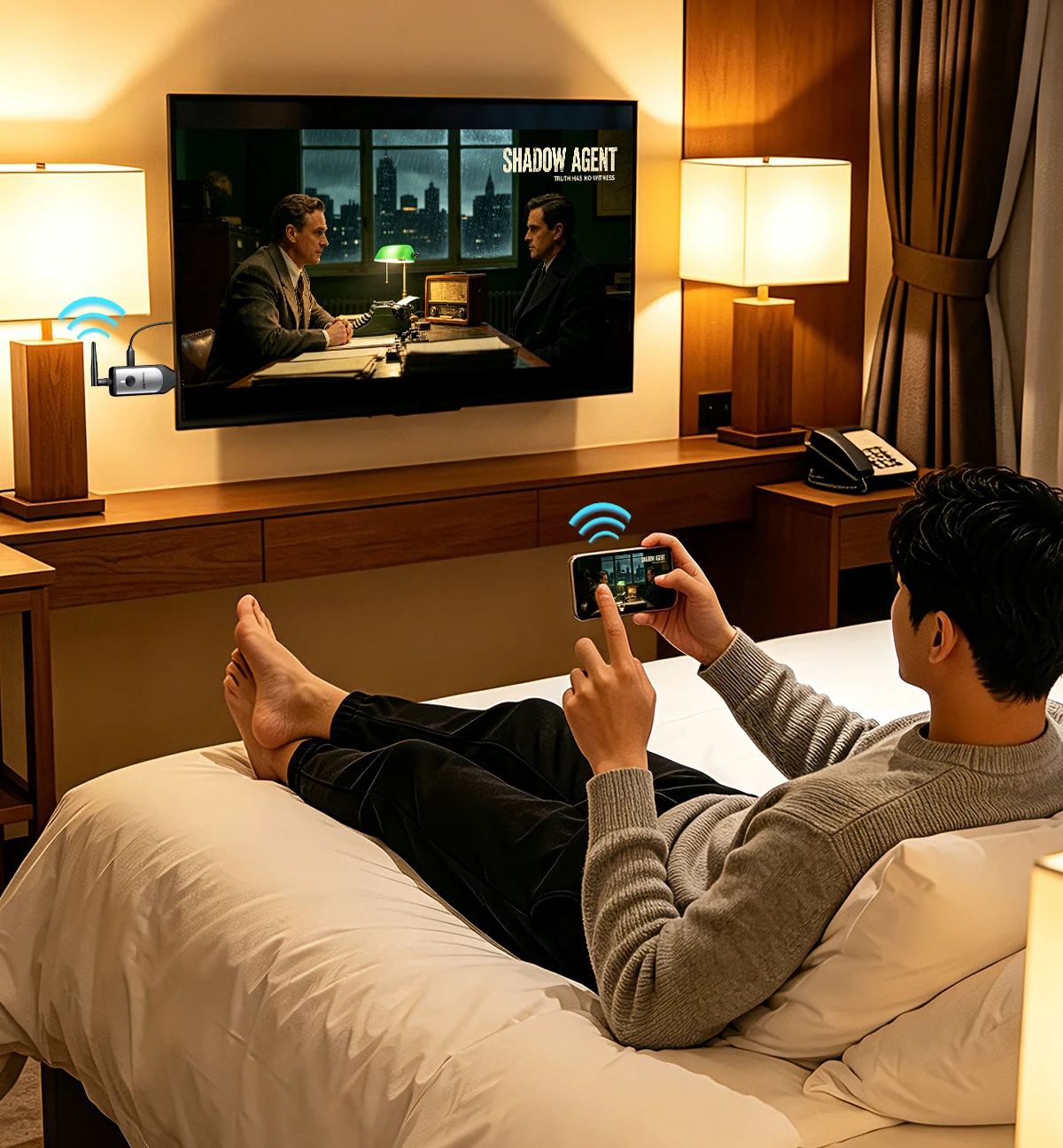
Travel Anywhere, Enjoy Immersive Viewing on Big Screens
Wireless Screen Mirroring, Sync Movies Between Phone & TV
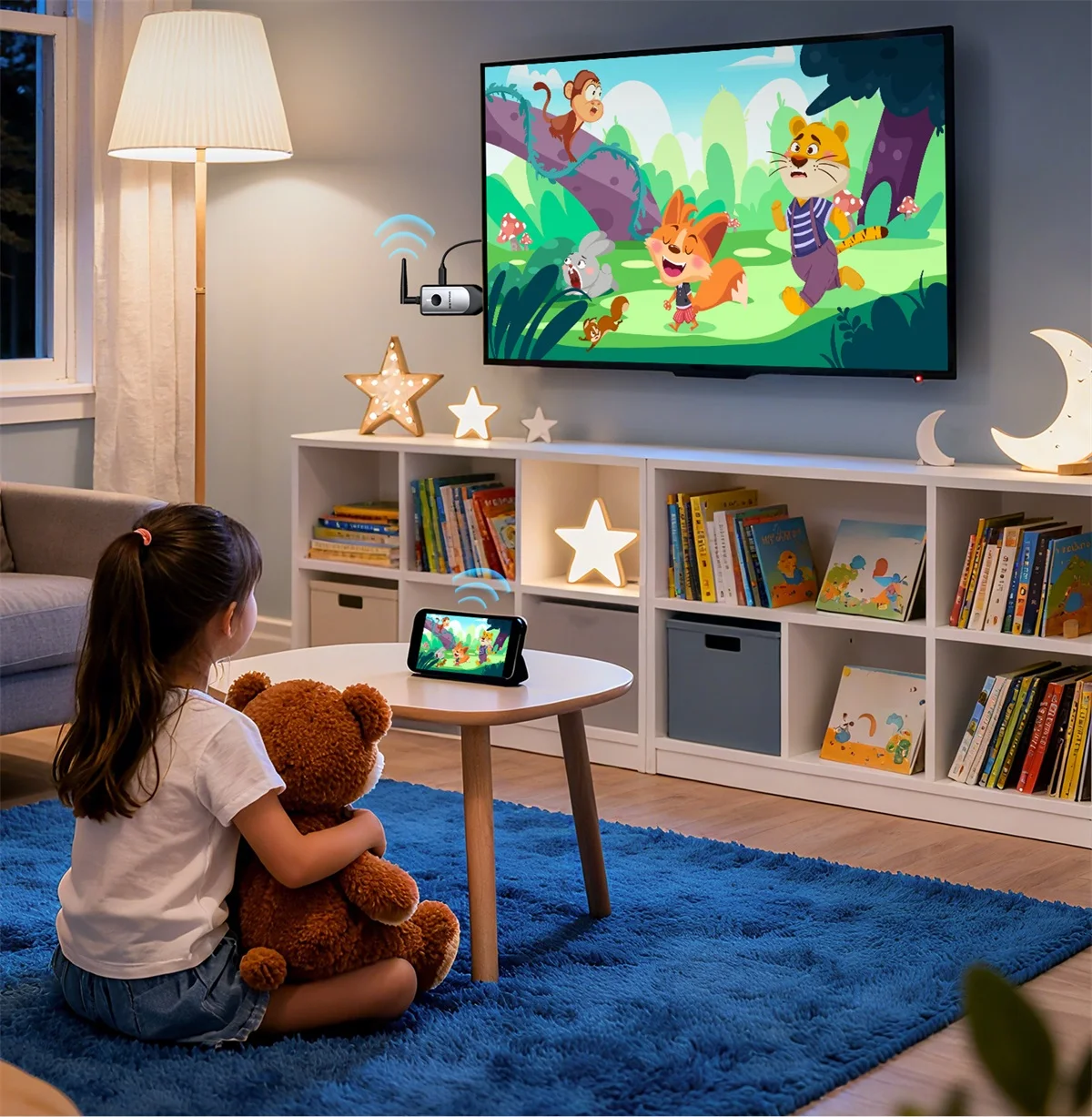
Watching Animations on a Large Screen
Children have a more comfortable viewing distance, and parents can also accompany and explain at the same time
Conference Screen Projection
Real time display, the speaker can also move freely without being restricted by the 'Cable'

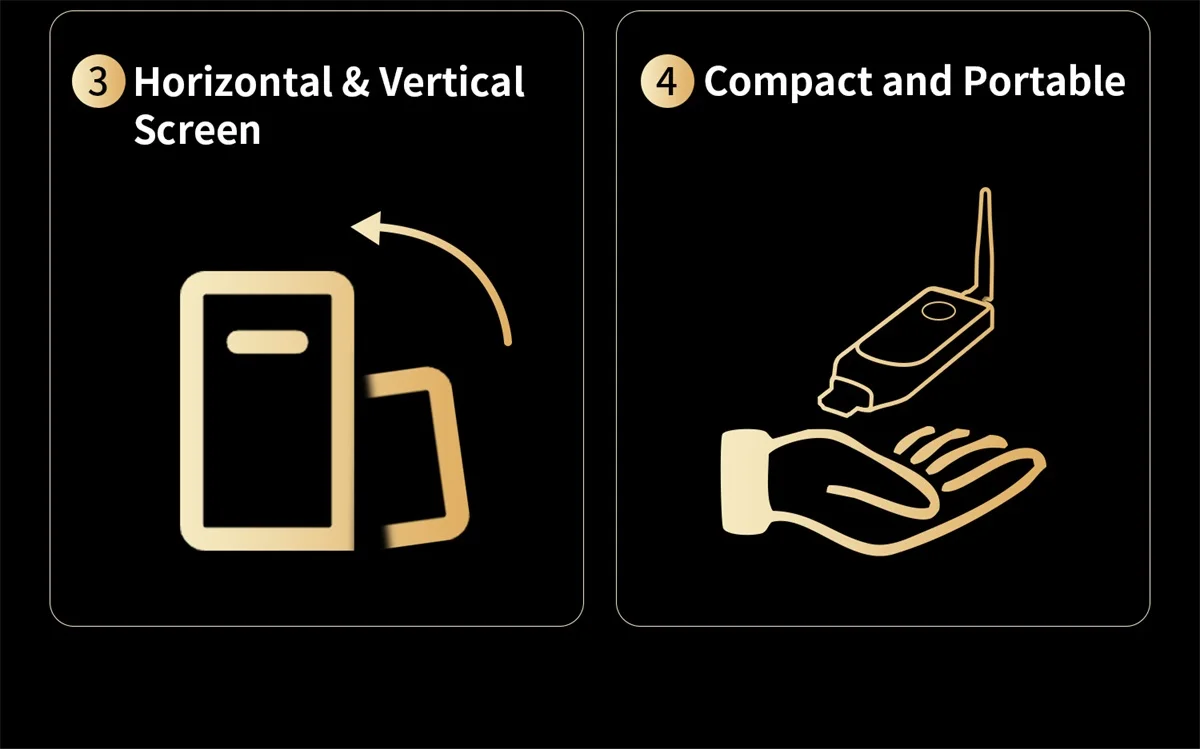
One-Click Switch Between Portrait & Landscape
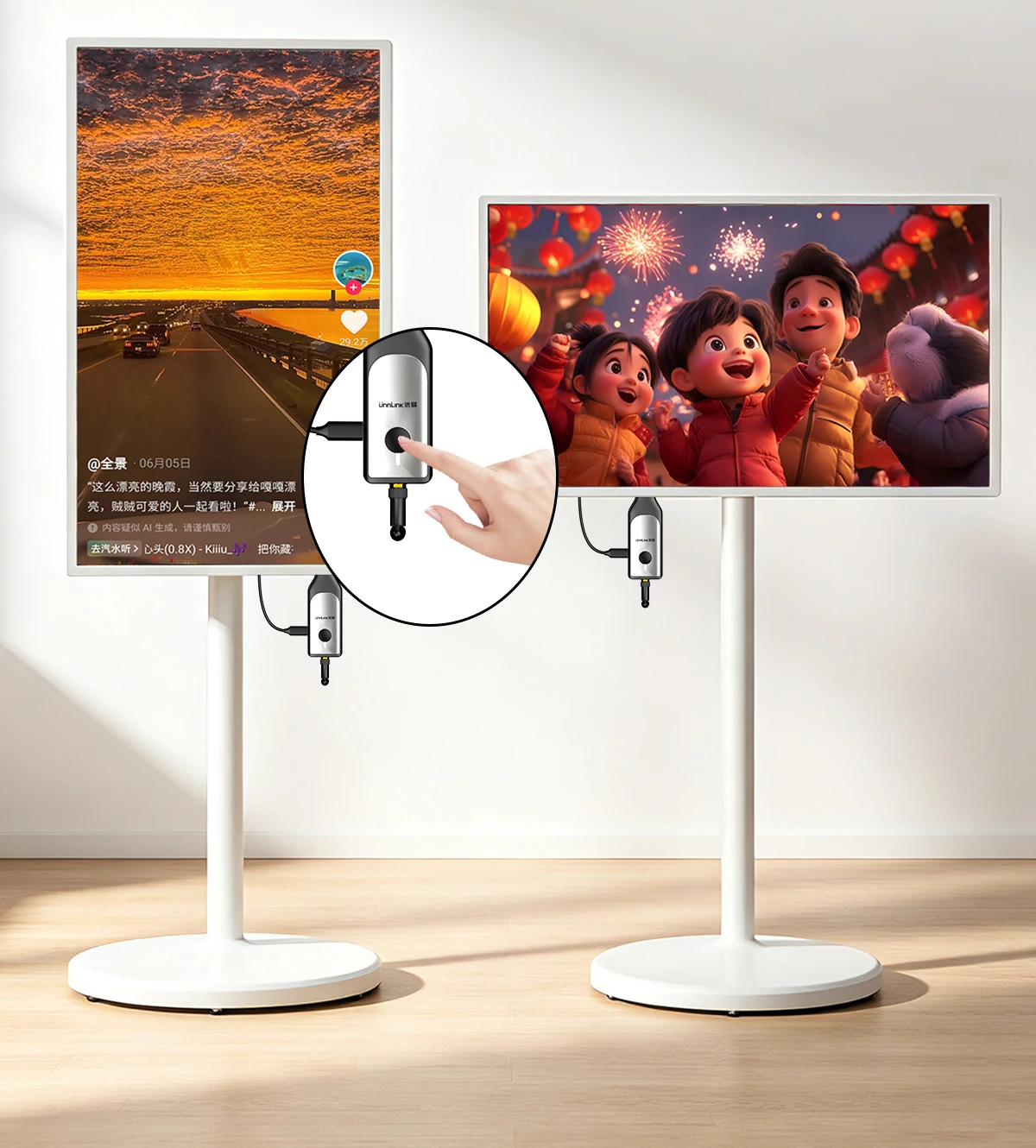
3 Signal Enhancement Chips
Long term stable screen mirroring

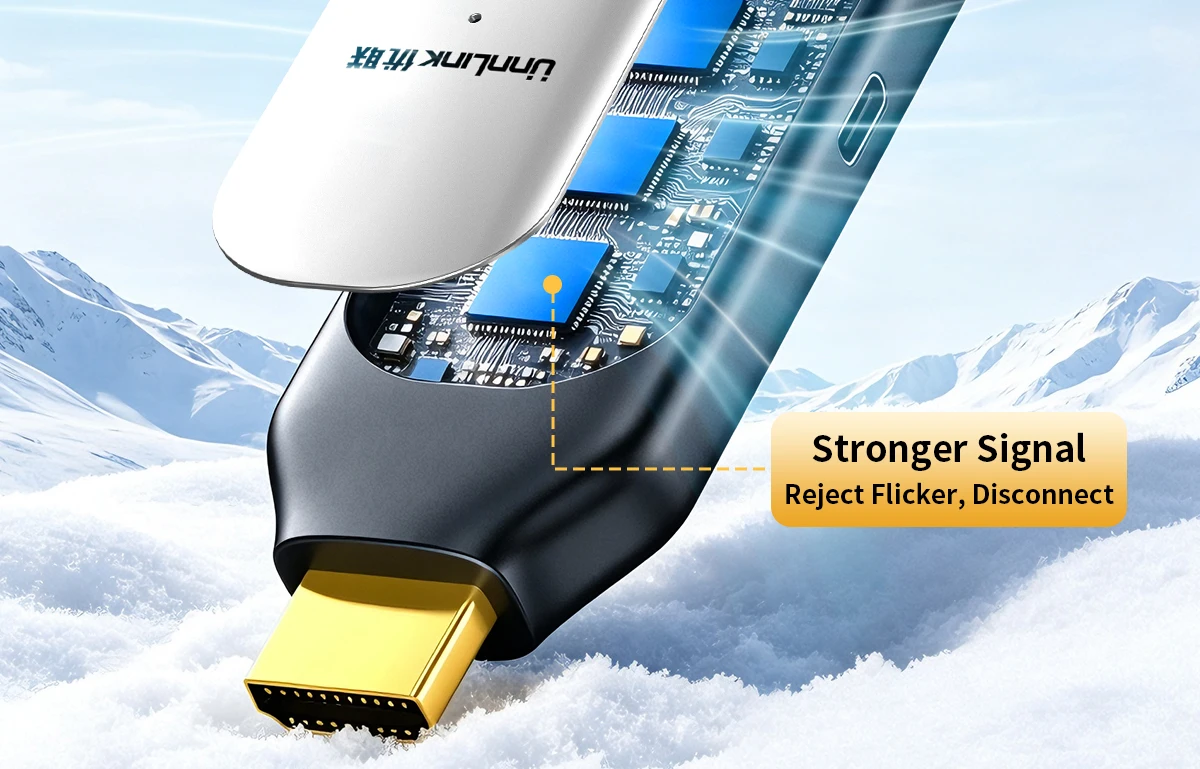
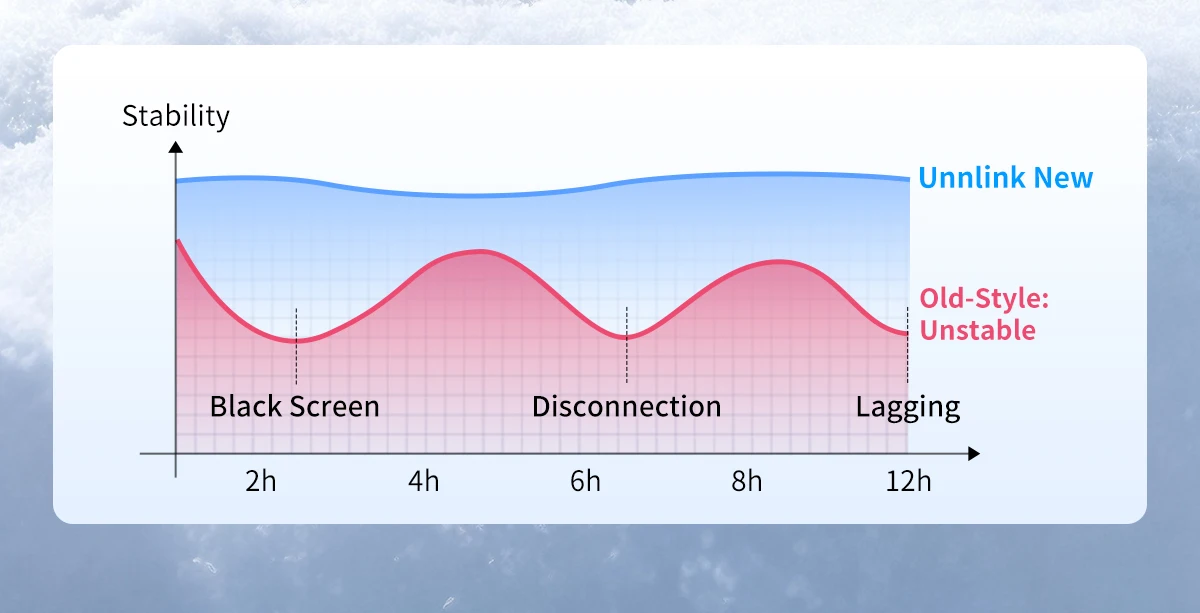
Industrial-Grade Stronger Cast Signal
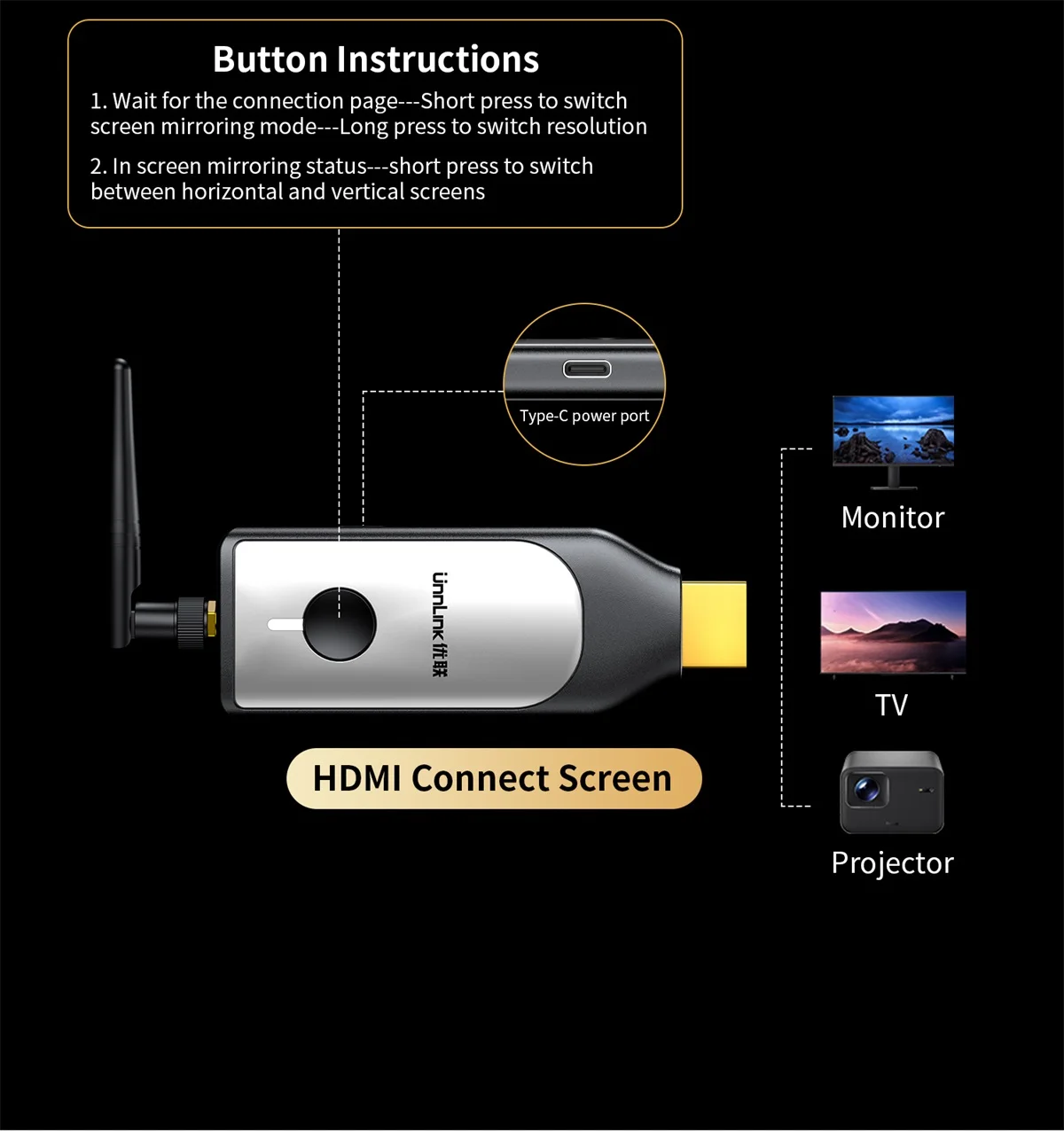
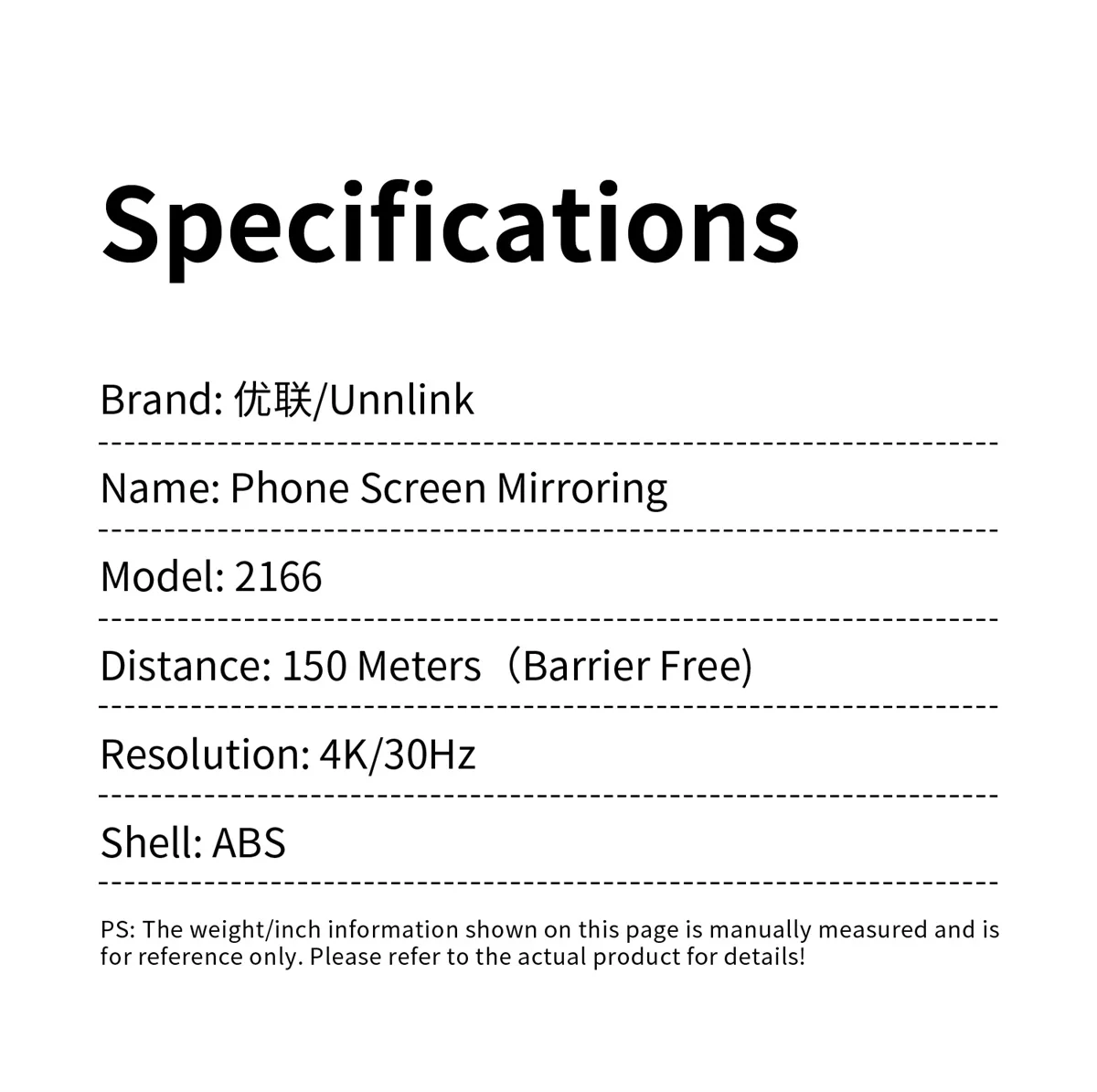
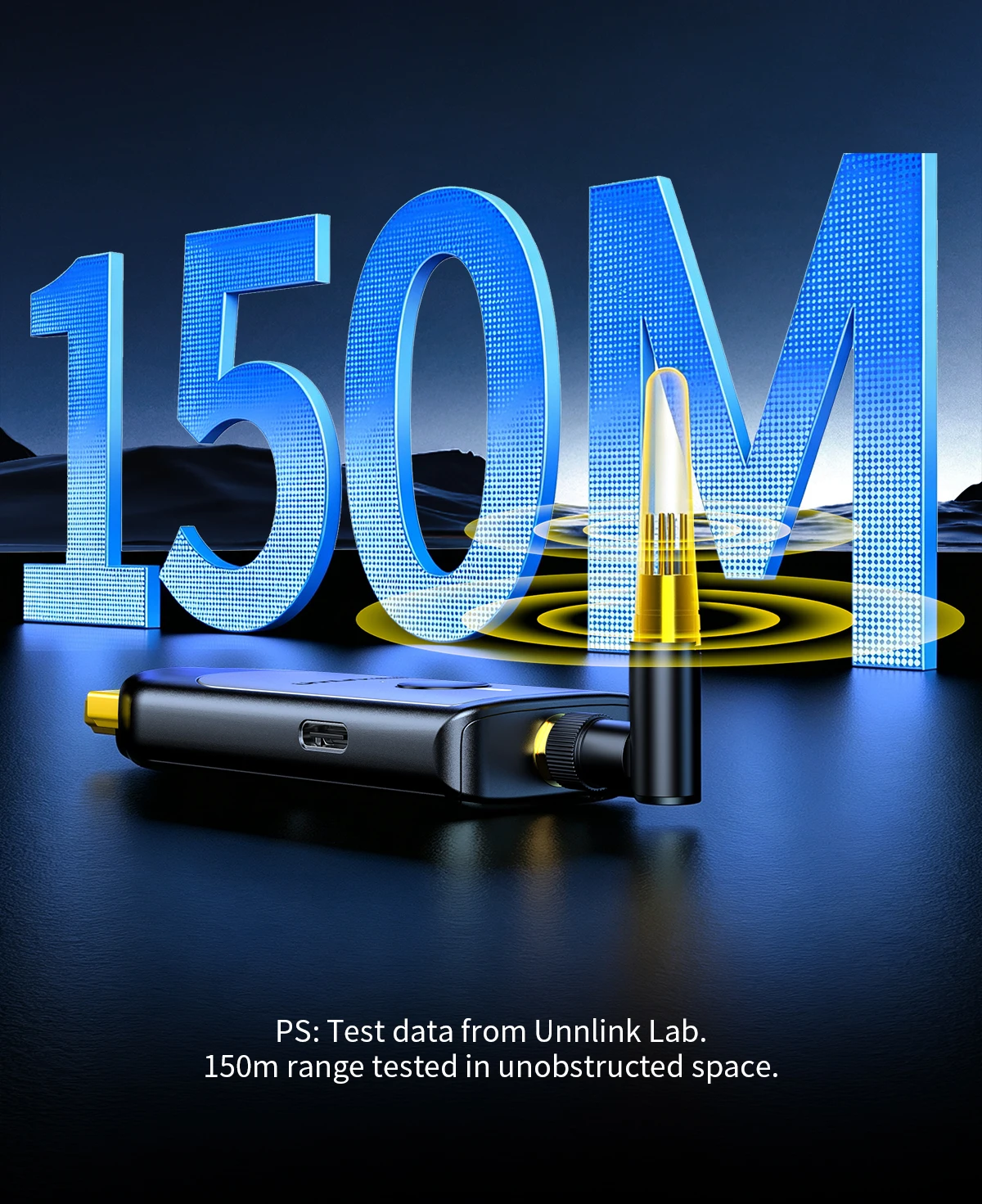
Industrial external antenna, 150m unobstructed range. Outperforms regular casting devices
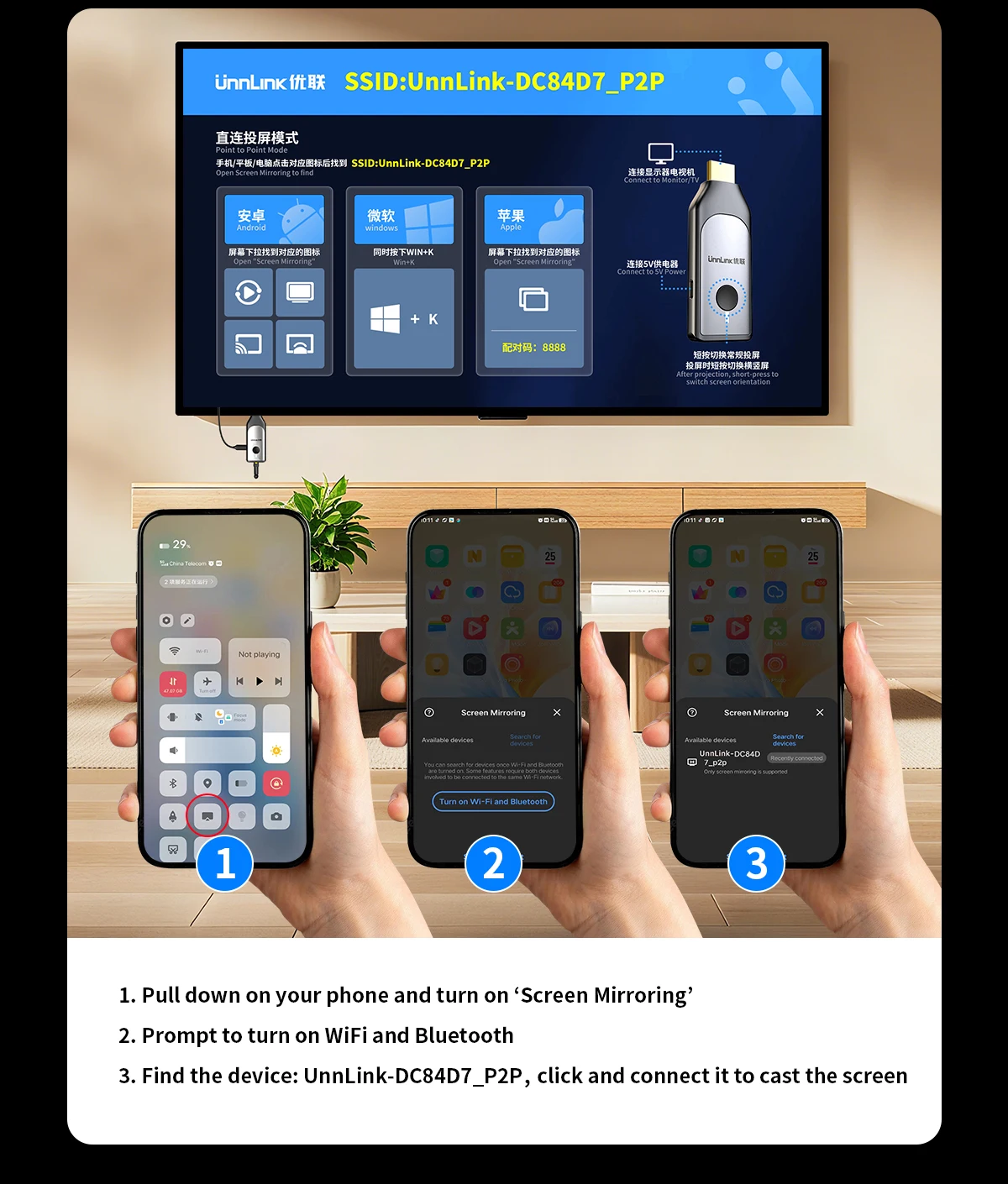
Screen Mirroring for Android Phone
1. Pull down on your phone and turn on ‘Screen Mirroring’;
2. Prompt to turn on WiFi and Bluetooth;
3. Find the device: UnnLink-DC84D7_p2p,click and connect it to cast the screen

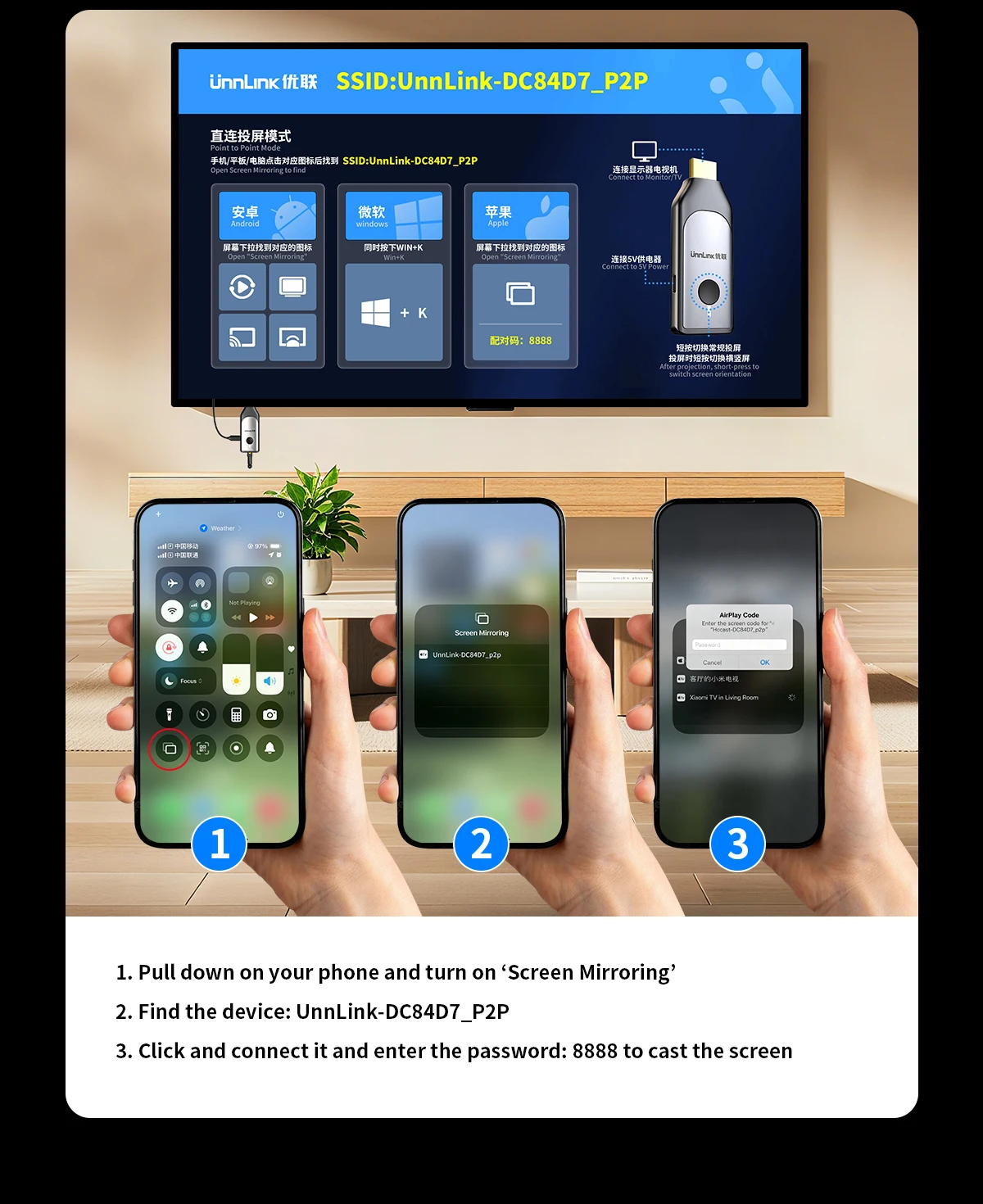
Screen Mirroring for iPhone
1. Pull down on your phone and turn on ‘Screen Mirroring’;
2. Find the device: UnnLink-DC84D7_p2p;
3. Click and connect it and enter the password: 8888 to cast the screen

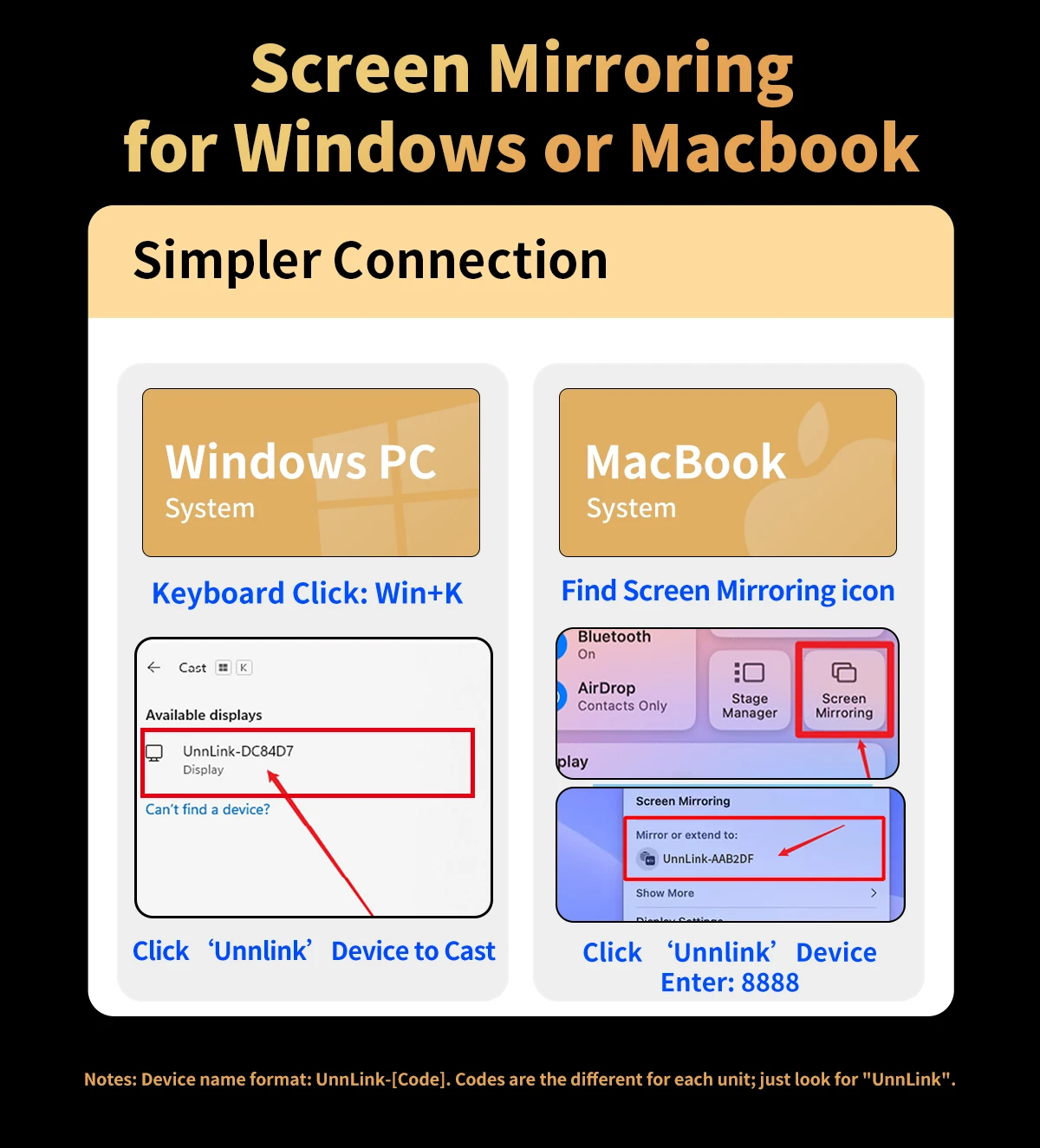
Screen Mirroring for Windows PC
1. Click 'Win+K' turn on ‘Screen Mirroring’;
2. Find the device: UnnLink Device;
3. Click and connect it.
Screen Mirroring for Macbook
1. Open ‘Screen Mirroring’;
2. Find the device: UnnLink Device;
3. Click and connect it and enter the password: 8888 to cast the screen.
Connection Diagram
Simple and efficient operation