

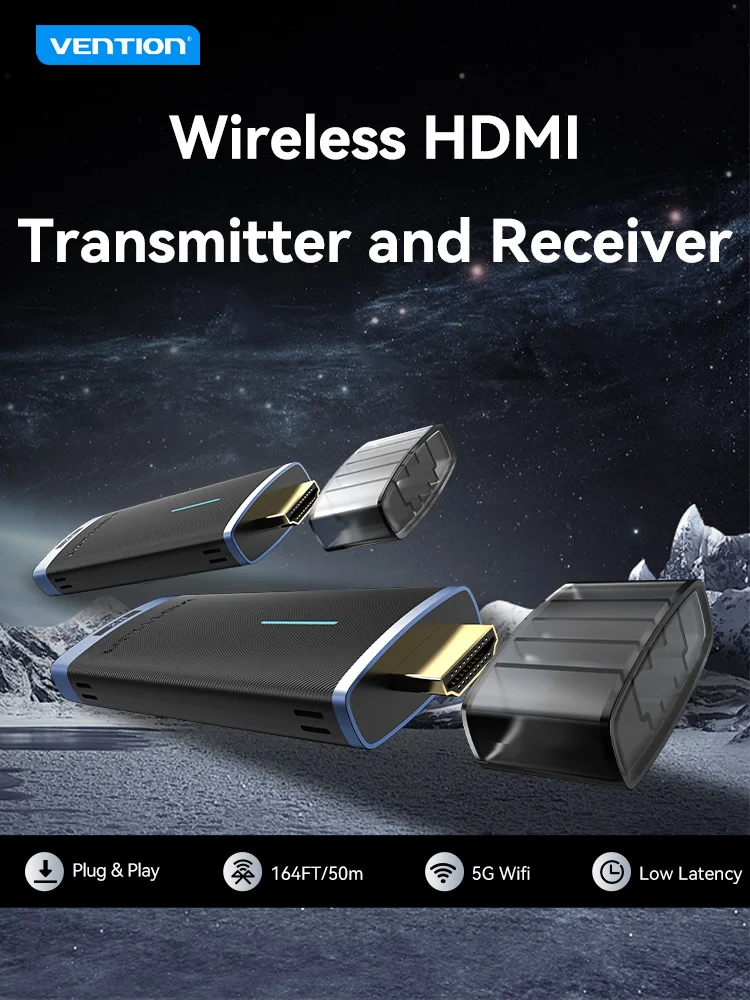
VENTION ADCL0 Wireless HDMI Extender 1080P 60Hz 50m
VENTION ADCL0 Wireless HDMI Extender 1080P 60Hz 50m
Couldn't load pickup availability
✔ Free Worldwide Shipping ✔ 30-Day Money-Back Guarantee ✔ PayPal & Secure Payments
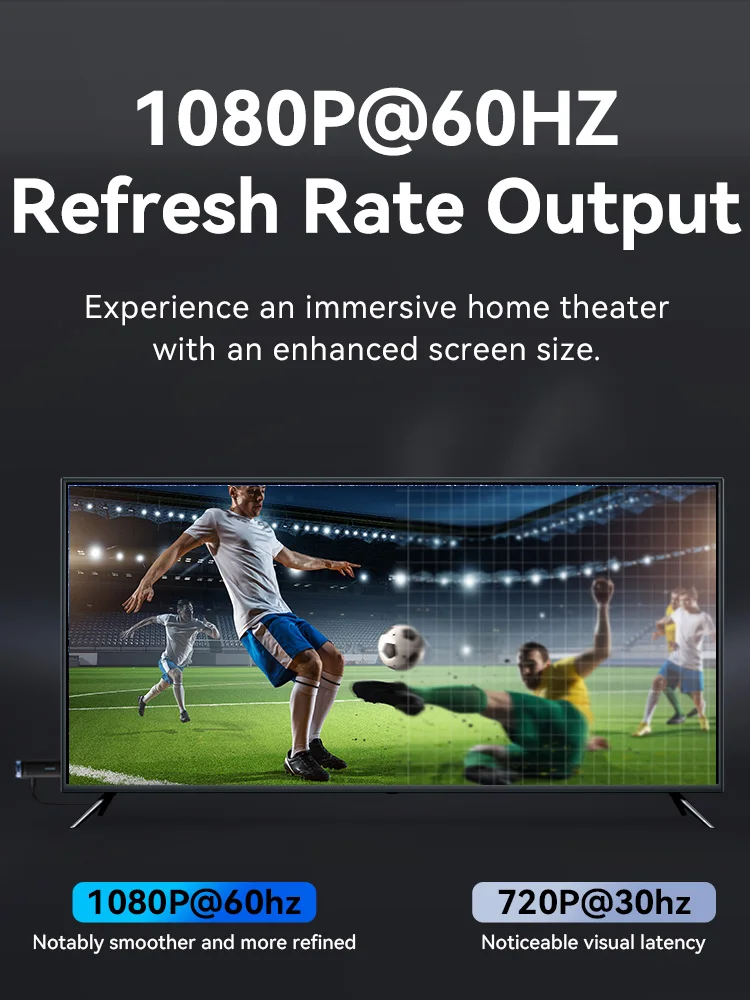
1080P@60HZ Refresh Rate Output
Experience an immersive home theaterwith an enhanced screen size.
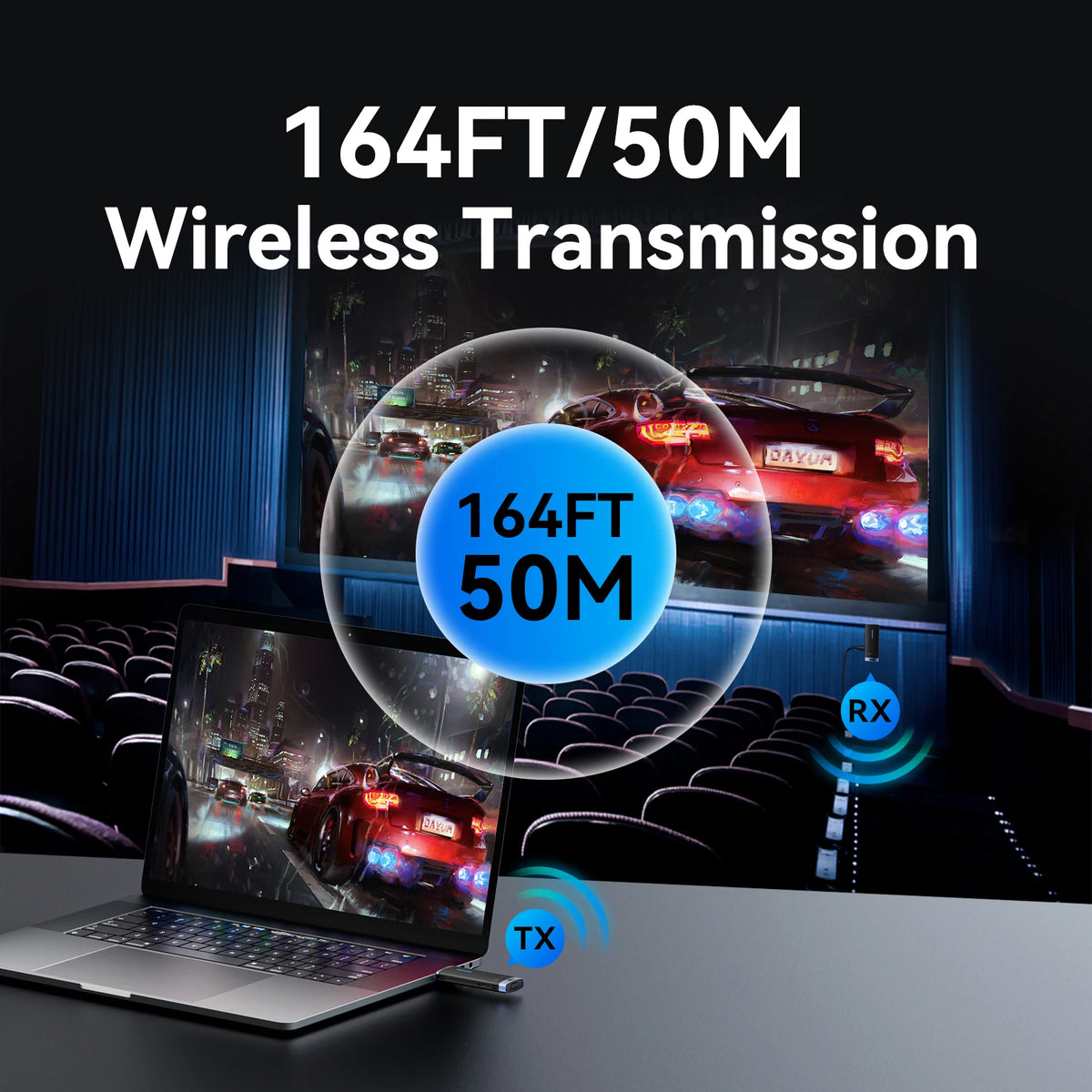
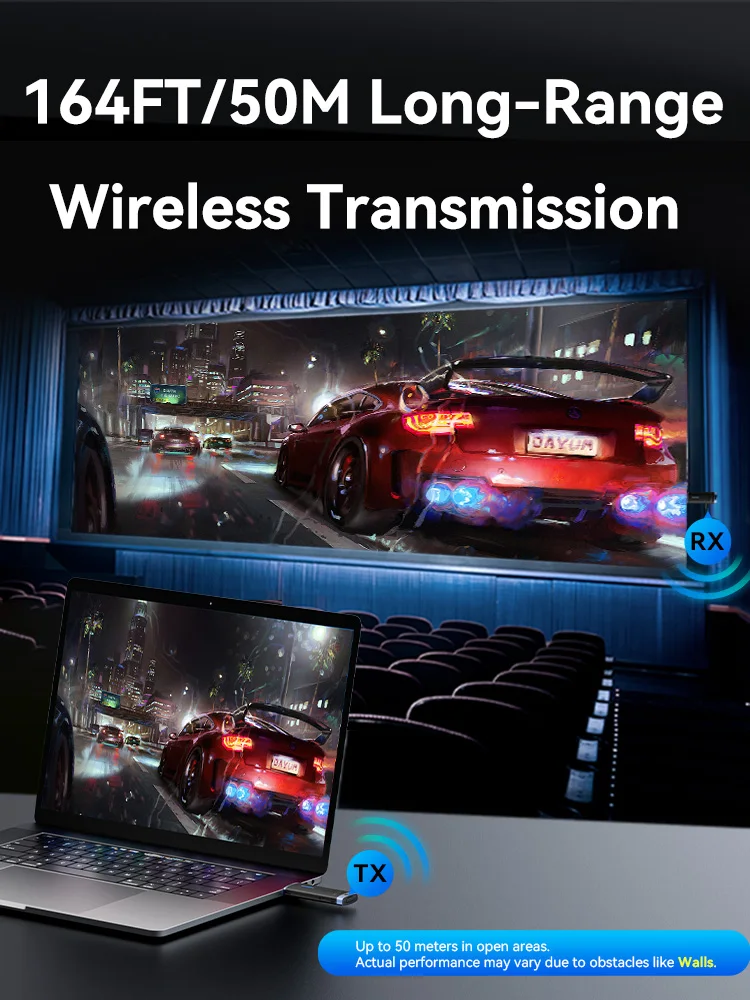
Long Distance Connections
It transmits uncompressed signals to distances of up to 50 meters with near-zero latency.
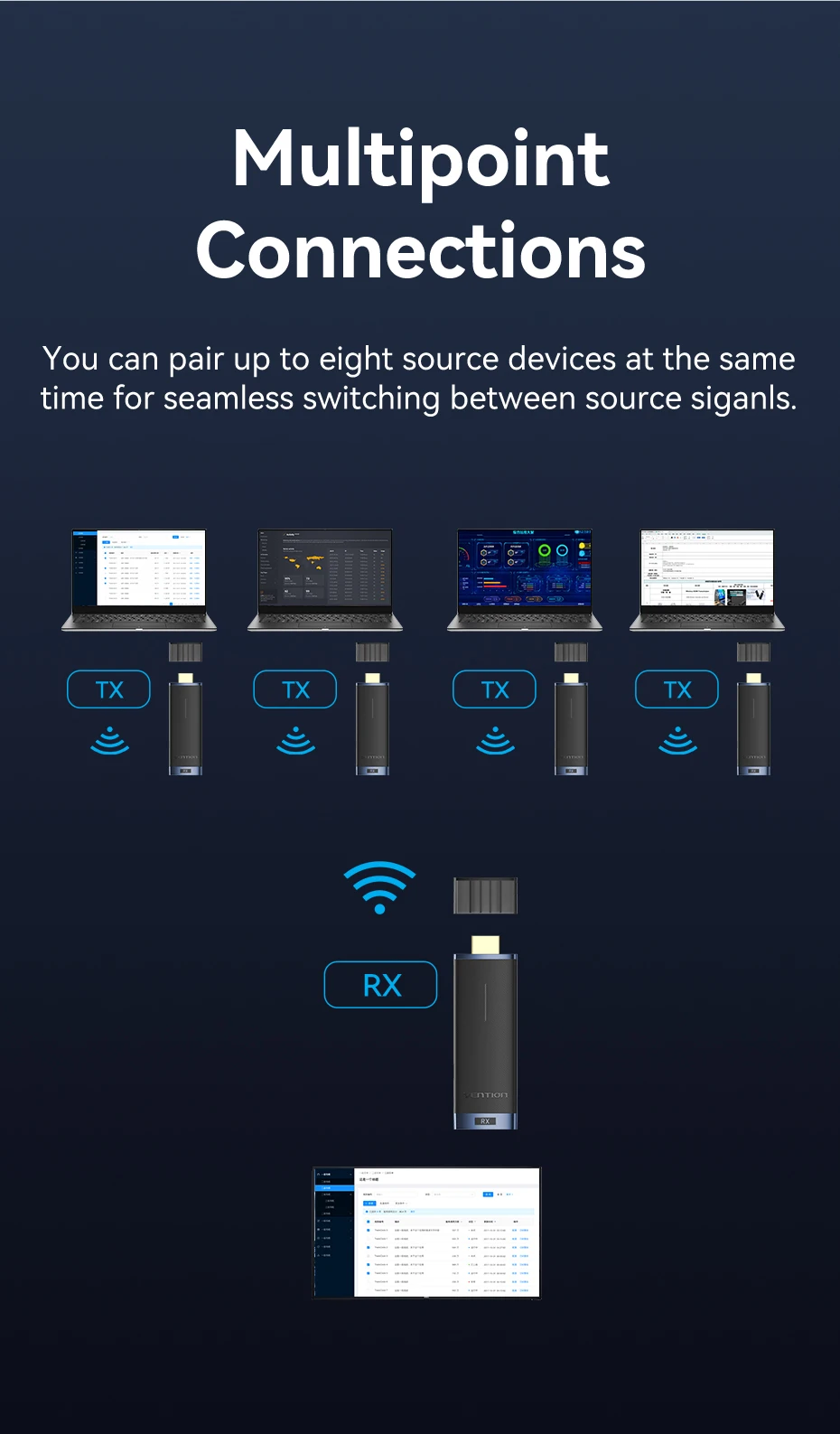
Multipoint Connections
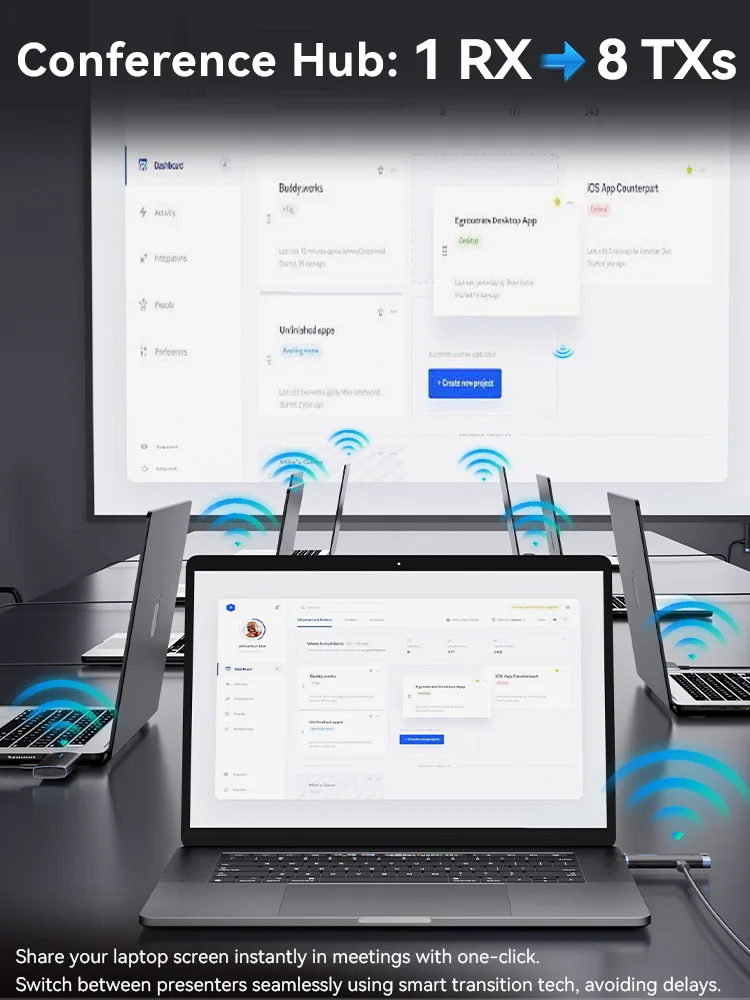
You can pair up to eight source devices at the same time for seamless switching between source siganls.
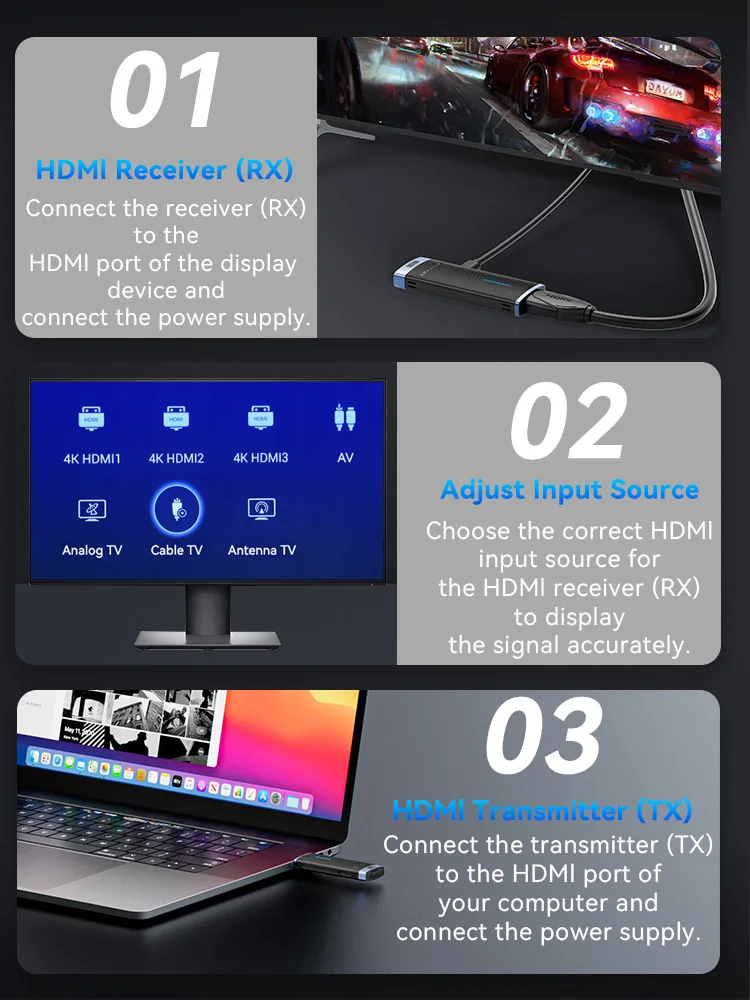
01HDMl Receiver (Rx)Connect the receiver(RX)to theHDMl port of the displaydevice andconnect the power supply
02 Adjust Input SourceChoose the correct HDM!input source forthe HDMl receiver (RX)to displaythe signal accurately
03 HDMl Transmitter (Tx)Connect the transmitter(TX)to the HDMl port ofyour computer andconnect the power supply
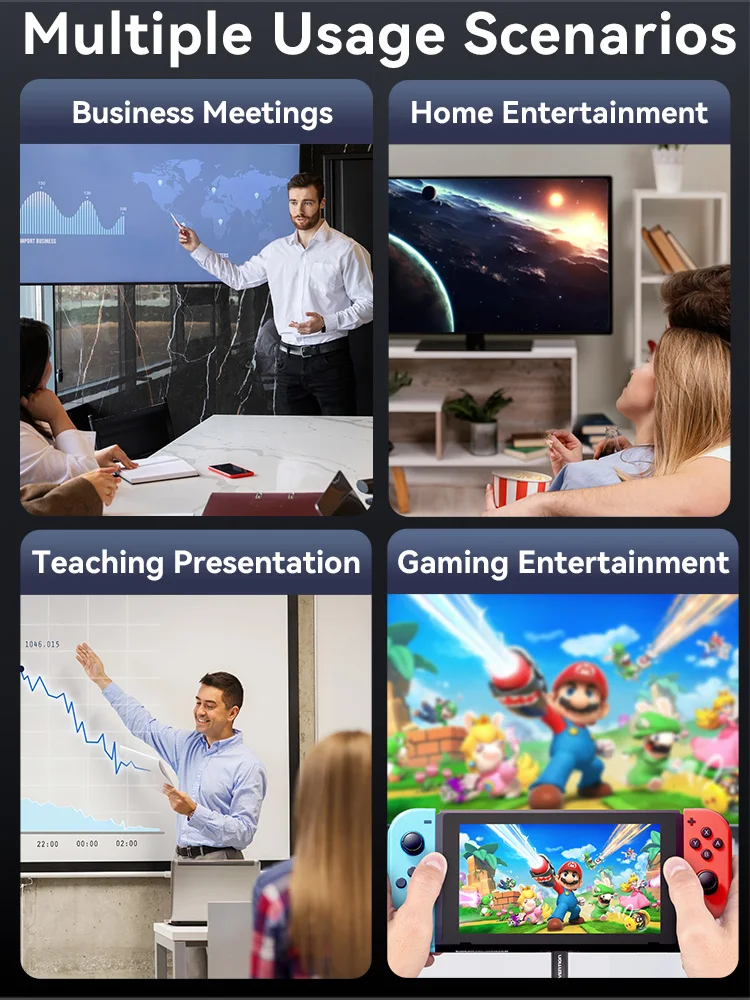
Multiple Usage Scenario.
Business Meetings
Teaching Presentation
Home Entertainment
Gaming Entertainment
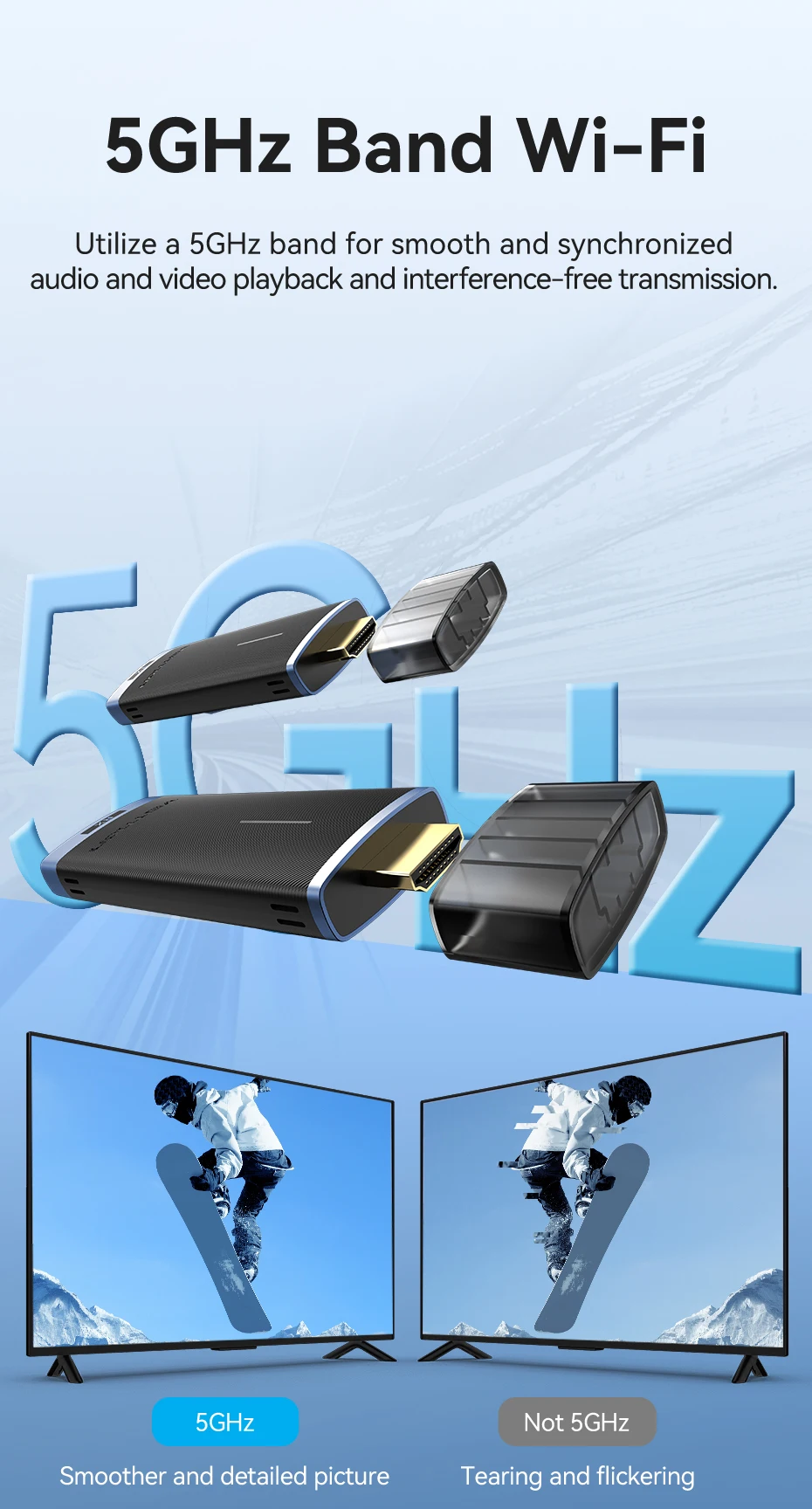
5GHz Band Wi-Fi
Utilize a 5GHz band for smooth and synchronized audio and video playback and interference-free transmission.
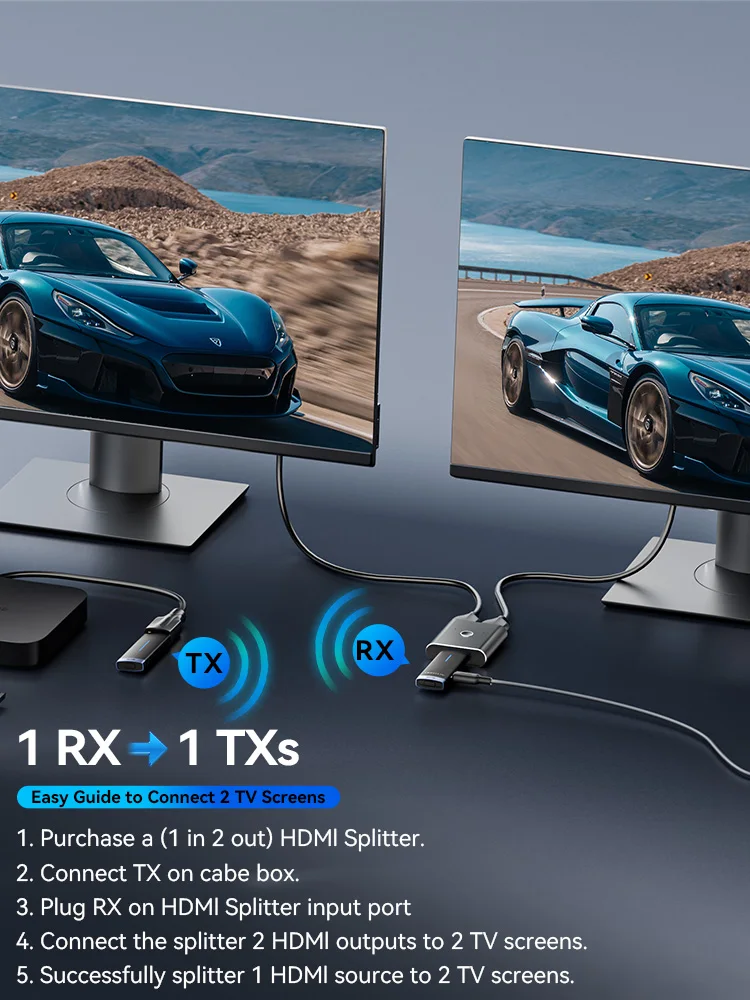
Crystal Clear1 RX→1 TXS 1080P Output
Easy Guide to Connect 2 TV Screens
1. Purchase a (1 in 2 out) HDMl Splitter.
2. Connect TX on cabe box.
3. Plug RX on HDMl Splitter input port
4.Connect the splitter 2 HDMl outputs to 2 TV screens.
5.Successfully splitter 1 HDMl source to 2 TV screens.
Conference Hub:1RX-8TXs
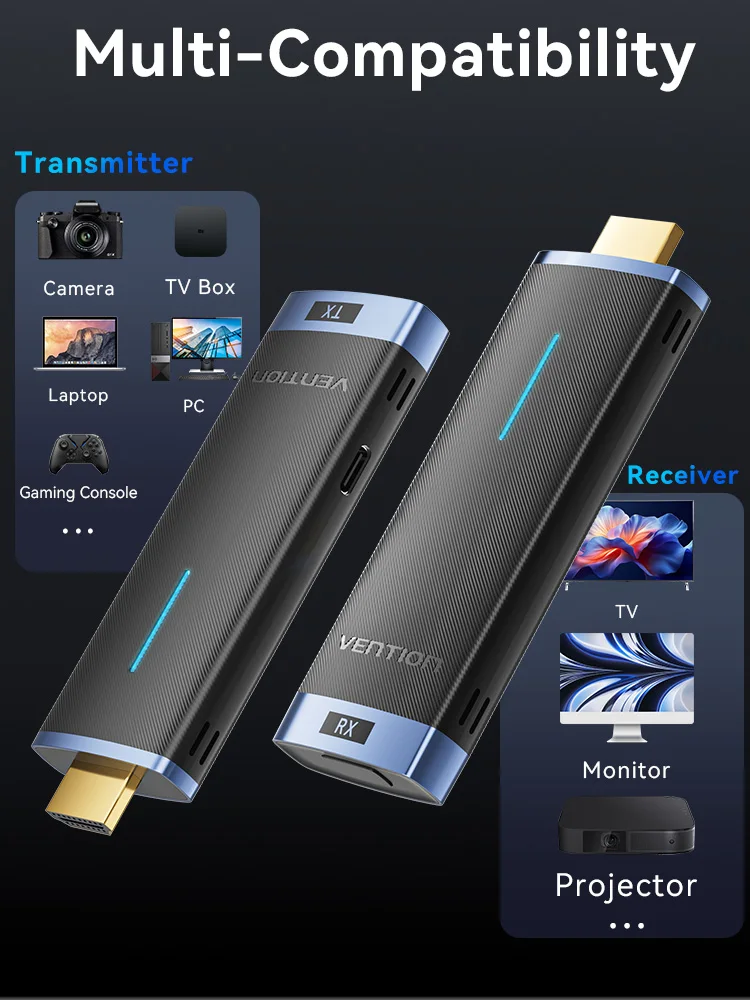
Multi-Compatibility
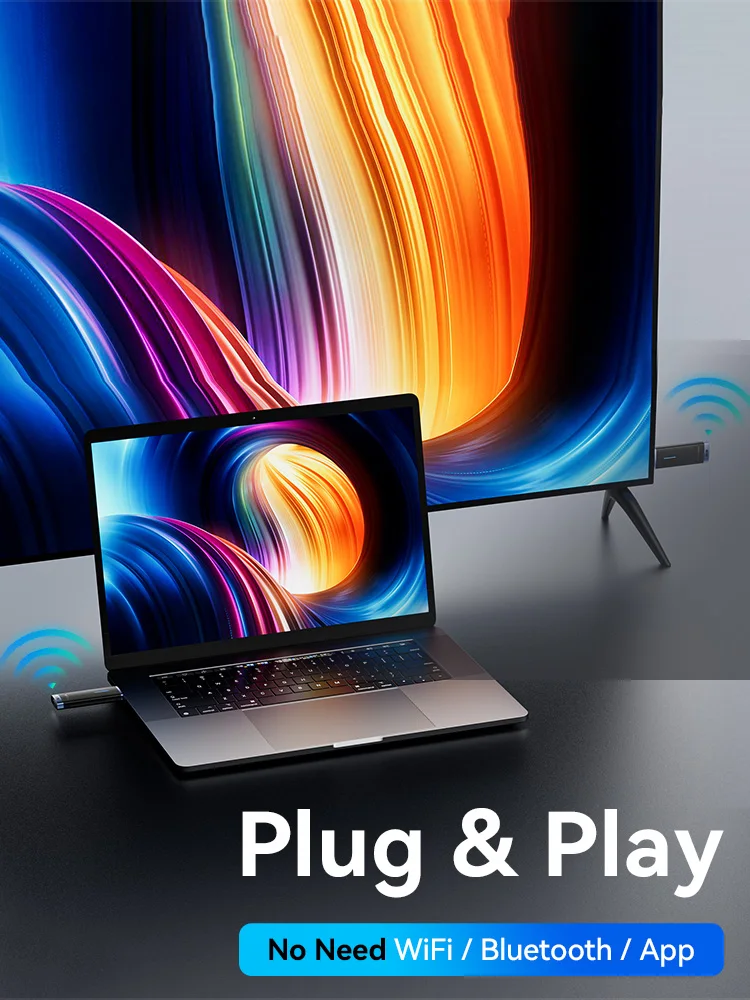
Specifications
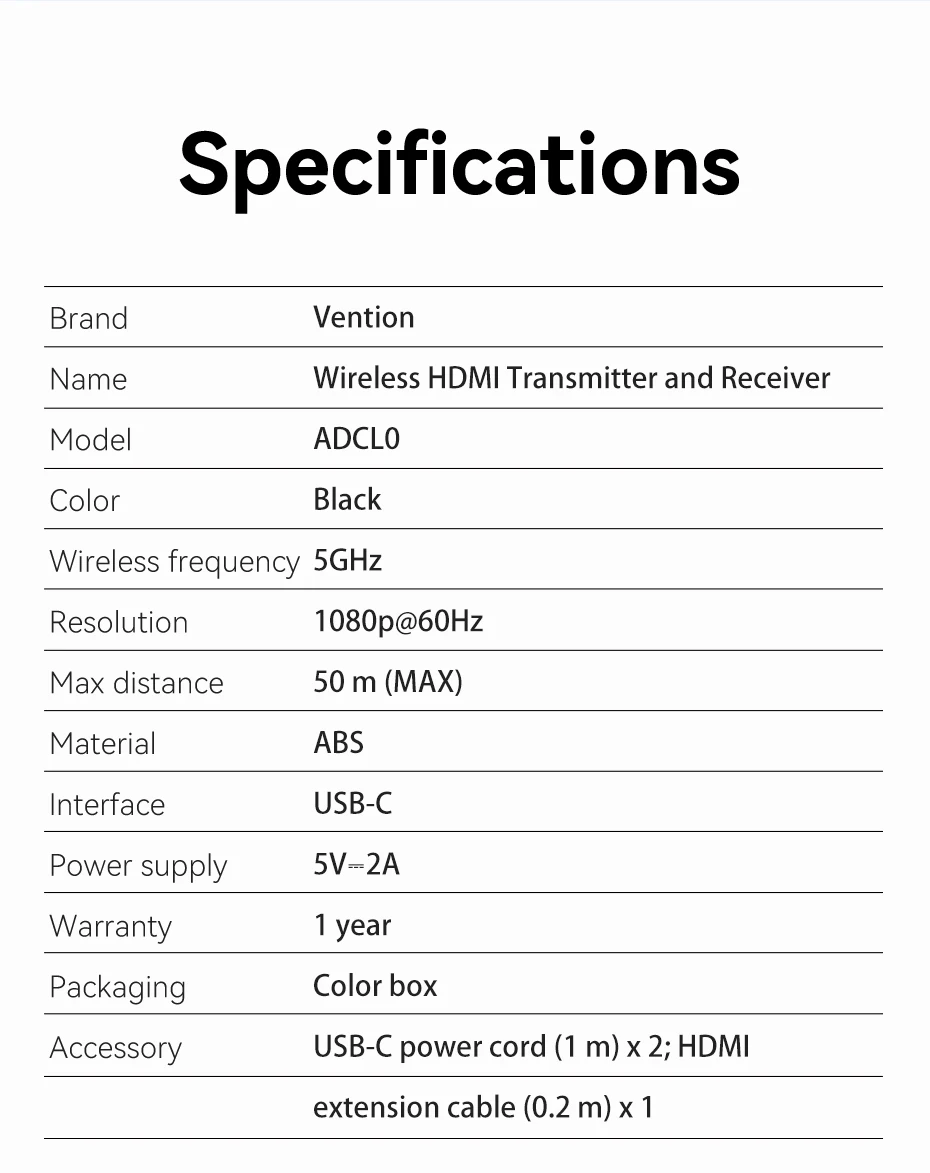
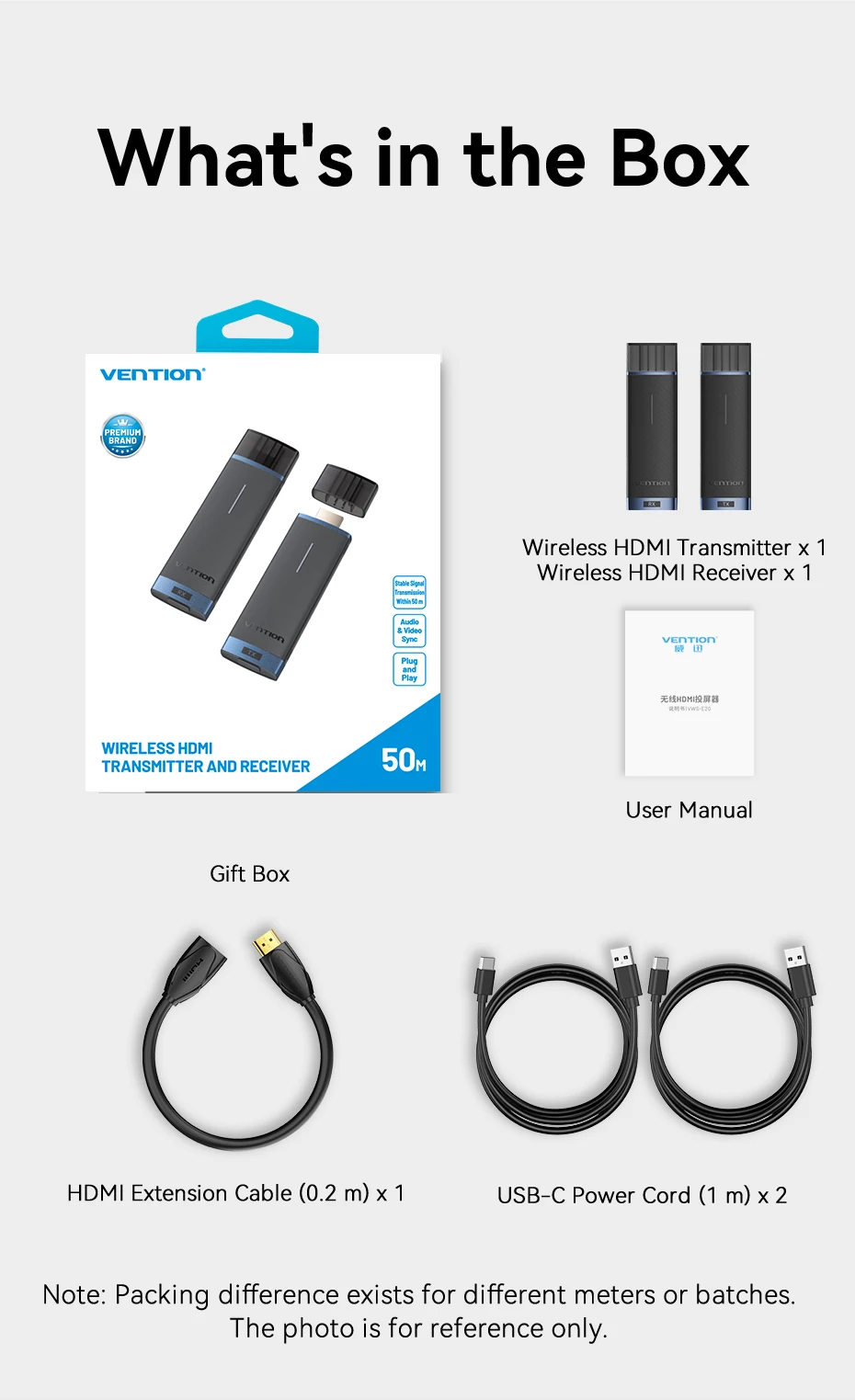
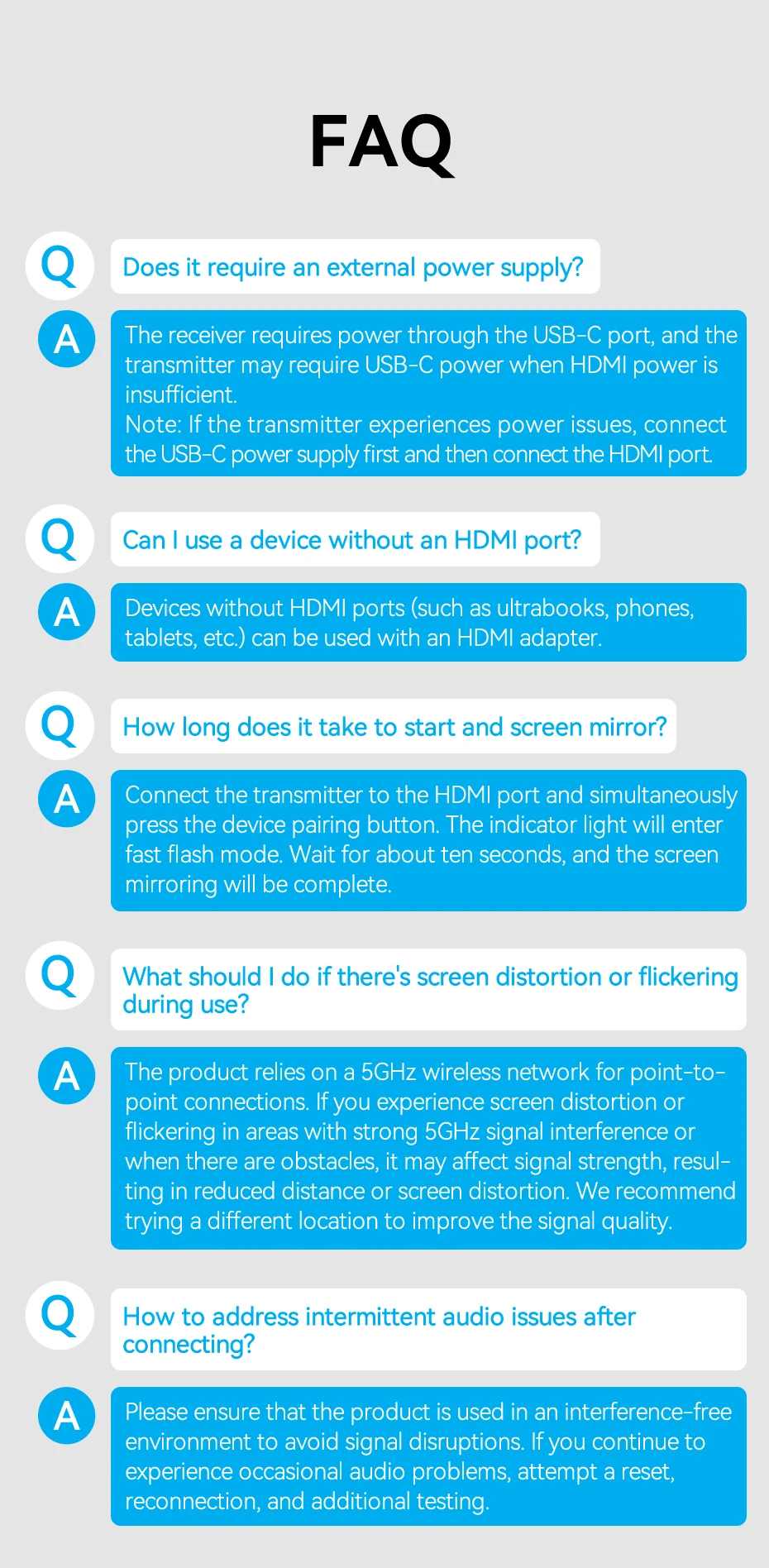
FAQ
Q: Does it require an external power supply?
A: The receiver requires power through the USB-C port, and the transmitter may require USB-C power when HDMI power is insufficient. Please note: If the transmitter experiences power issues, connect the USB-C power supply first and then connect the HDMI port.
Q: Can I use a device without an HDMI port?
A: Devices without HDMI ports (such as ultrabooks, phones, tablets, etc.) can be used with an HDMI adapter.
Q: How long does it take to start and screen mirror?
A: Connect the transmitter to the HDMI port and simultaneously press the device pairing button. The indicator light will enter fast flash mode. Wait for about ten seconds, and the screen mirroring will be complete.
Q: What should I do if there's screen distortion or flickering during use?
A: The product relies on a 5GHz wireless network for point-to-point connections. If you experience screen distortion or flickering in areas with strong 5GHz signal interference or when there are obstacles, it may affect signal strength, resulting in reduced distance or screen distortion. We recommend trying a different location to improve the signal quality.
Q: How to address intermittent audio issues after connecting?
A: Please ensure that the product is used in an interference-free environment to avoid signal disruptions. If you continue to experience occasional audio problems, attempt a reset, reconnection, and additional testing.
Special Reminder!!!
Purchasing a transmitter (TX) separately cannot be used!!!
You need to purchase a transmitter and receiver combination (TR+TX), which supports pairing one receiver with multiple transmitters (TX)